Eco
Smallest file size. Ideal for slow or expensive mobile data and limited storage. Syncs to Drive in seconds even on 3G.
Pocket Guardian silently captures a photo the moment someone touches your device without permission. No sound. No flash. No notification. The intruder never knows.
Photo Triggers
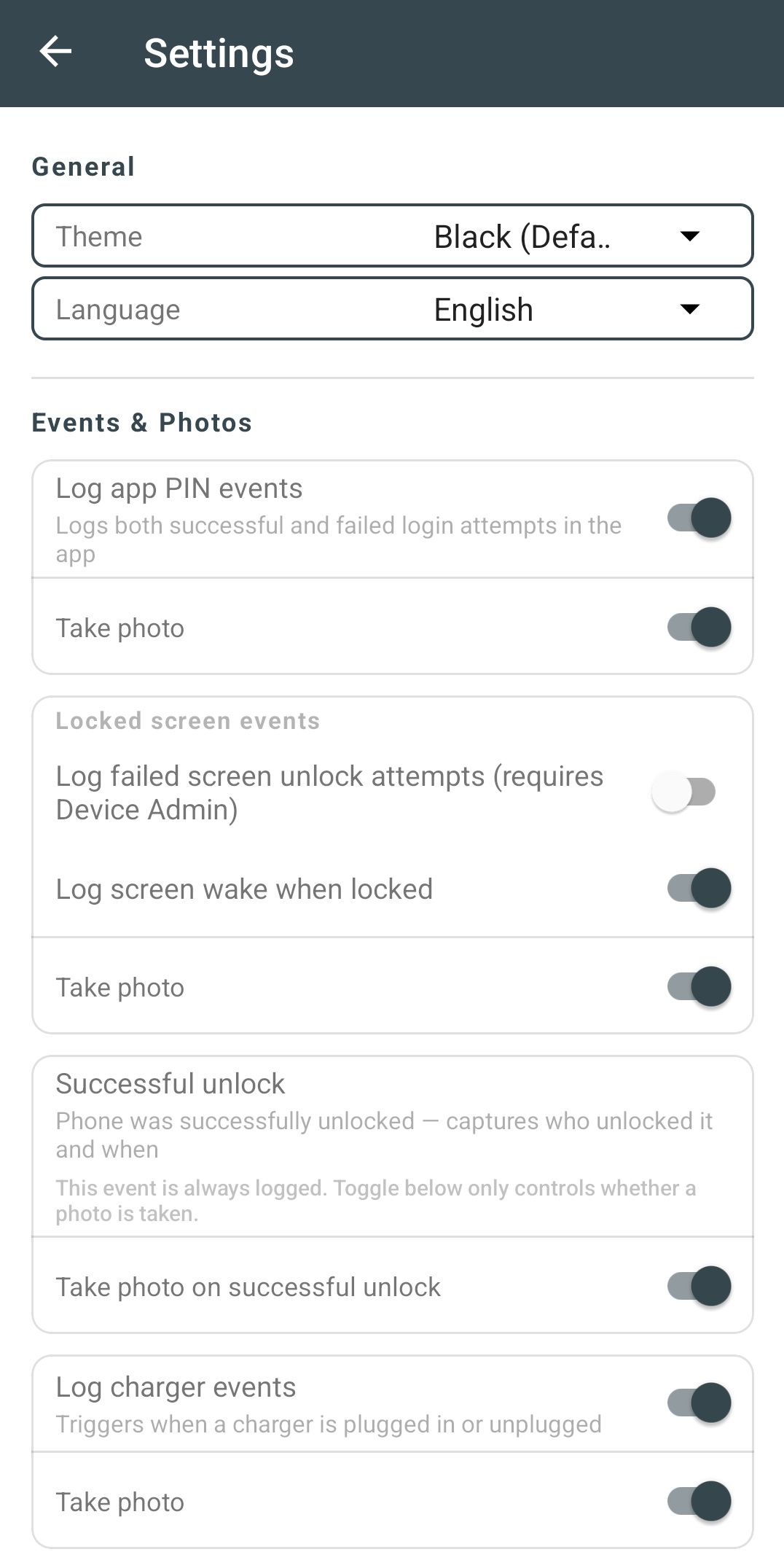
Each trigger has its own independent log switch and photo switch. Log without shooting, or shoot without logging — your call.
Wrong PIN on lock screen
Silent selfie the moment an incorrect PIN, pattern, or password is entered
SIM removed / inserted
Photo on any SIM card state change — removal, insertion, or lock
SIM carrier changed
Detects SIM swap attacks — catches theft before you notice
Phone picked up while locked
Screen turned on while locked — photo before any PIN is entered
Device pickup (motion sensor)
Hardware motion sensor detects physical movement from a stationary position
Charger disconnected
Instant photo when unplugged from outlet or power bank
Successful unlock
Who opened your phone and exactly when — even with fingerprint
Charger connected
Silent photo when a charger is plugged in
Headset connected / disconnected
Photo on any headset or earphone change via 3.5mm or USB-C
Wrong PIN in app
Catch anyone trying to break into the Pocket Guardian app itself
Successful app login
Full audit trail of who accessed your security app and when
Key Features
Device Administrator access, 24/7 watchdog service, and a complete event log with photos — designed to survive aggressive battery management on Xiaomi, Samsung, and every Android in between.
Intercepts wrong PINs directly on the Android lock screen via the standard DeviceAdminReceiver API. Works even when fingerprint or Face ID is active.
AlarmManager-based heartbeat checks every 5 minutes. Survives forced kills, Doze mode, battery optimization, and reboots. Tested on Xiaomi HyperOS.
Front camera to capture the intruder's face, or rear camera to document the surrounding environment. Your choice, globally in Settings.
Burn date/time, device model, and Android ID directly onto each photo at capture time. Useful evidence when reviewing Drive backups.
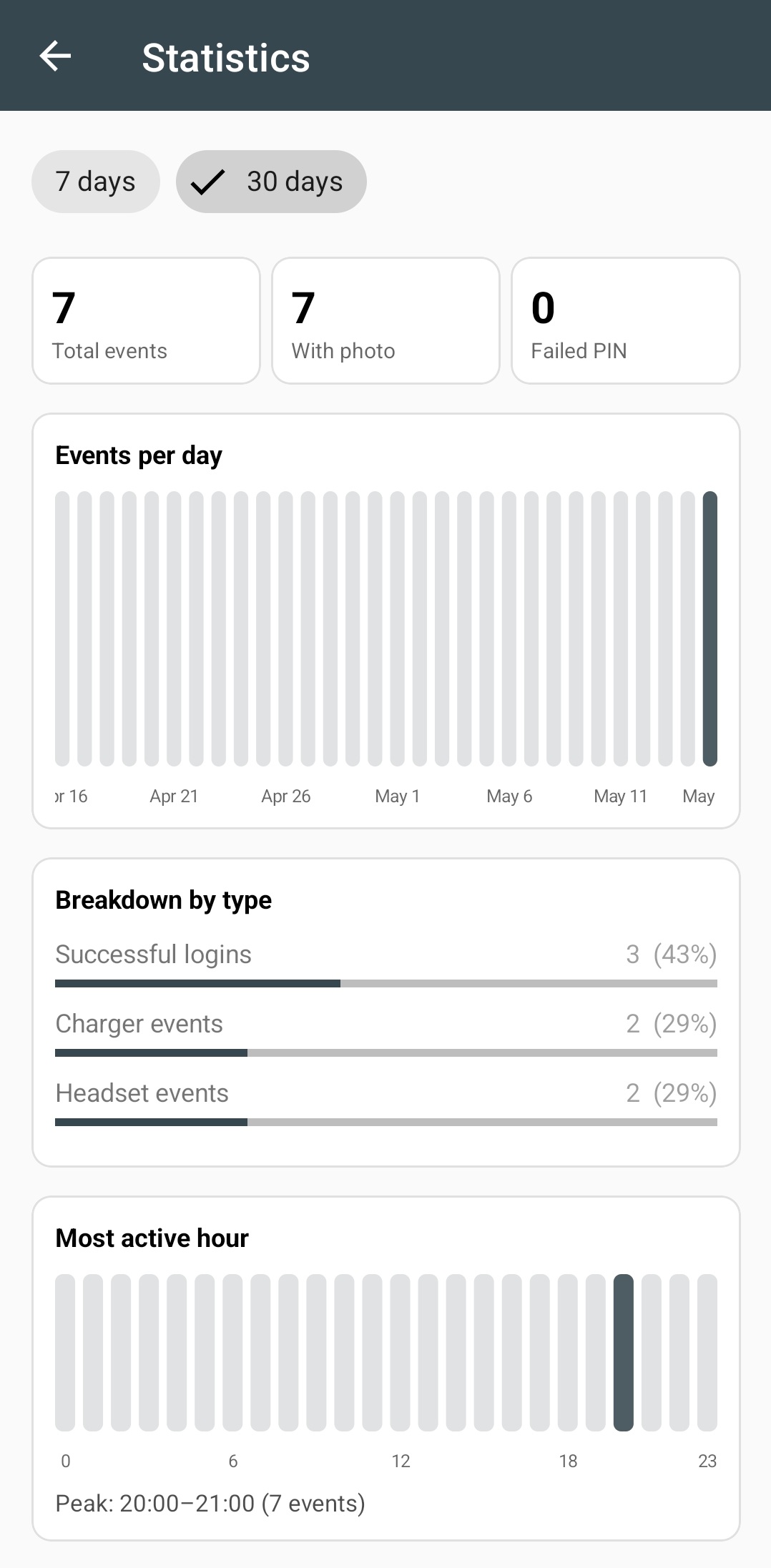
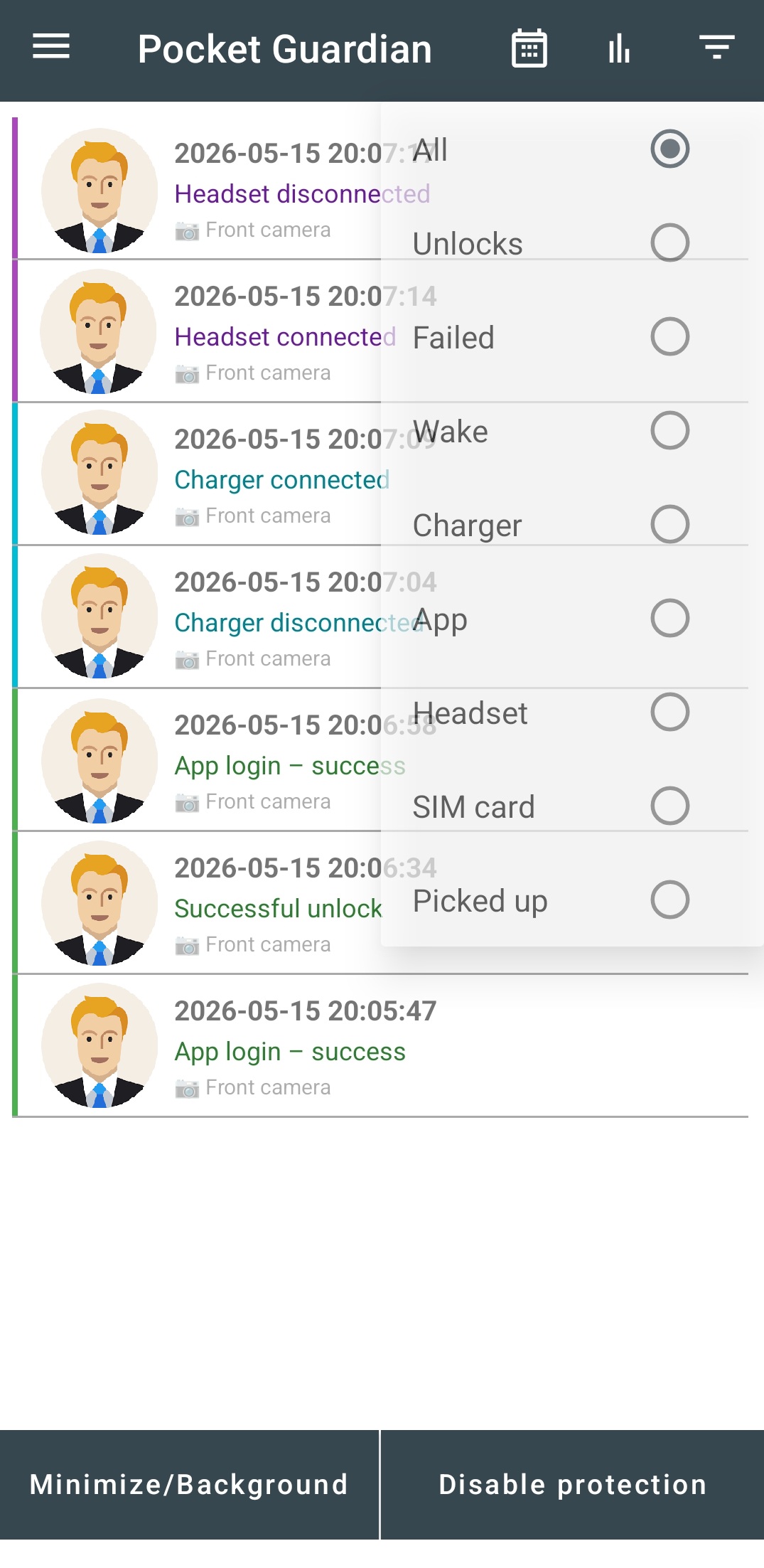
Filter the event log by type and date range. Statistics screen shows bar charts by day, hourly activity, and a breakdown by event type.
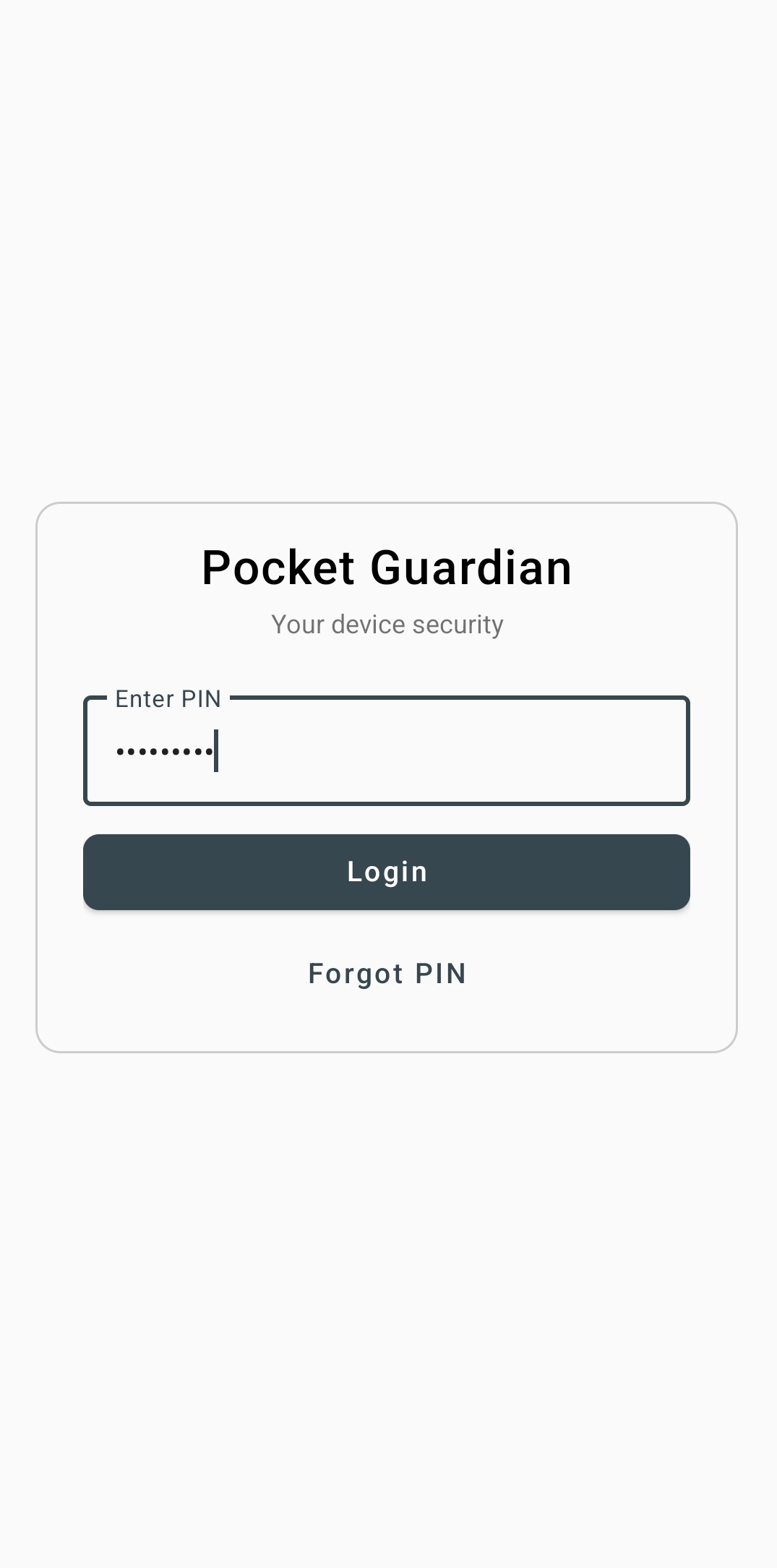
Your PIN is never stored in plain text. Military-grade PBKDF2-HMAC key derivation with a random 16-byte salt. Secret recovery question as a fallback.
Photos and event log synced after every event. Data is safely stored on your own Google Drive — even if the phone is lost, stolen, or factory reset.
Full-volume ringtone on any event. Stops only when you open the app. An audible deterrent that discourages further access attempts.
Photo Quality
Choose between compact files for fast sync or maximum resolution for clear evidence. Switch at any time in Settings.
Eco
Smallest file size. Ideal for slow or expensive mobile data and limited storage. Syncs to Drive in seconds even on 3G.
High
Maximum resolution and sharpness. Clear evidence when you need to identify a face or share with authorities.
Standard
Balanced quality and file size. Face clearly visible, instant sync. Good all-round choice for daily monitoring.
App Screenshots
Clean, dark interface designed to stay out of the way and let your security data speak for itself.
Privacy First
Zero data sent to our servers. Ever. We don't run a backend. We have no access to your photos, logs, or PIN.
Real scenarios
Pocket Guardian works in the background so you always know what happened to your phone — even while you were away.
You stepped away for a minute. Someone picked it up and tried your PIN. Pocket Guardian captured their face, the wrong PIN attempt, and the exact time — all before you got back.
Phone left on the nightstand. SIM card removed and replaced. Pocket Guardian photographed the thief the moment the tray was ejected — before they could do anything else.
Plugged in and walked away. Someone unplugged your phone to take it. The charger disconnect fired instantly — photo taken, event logged, timestamped to the second.
A colleague picked up your phone while you were in a meeting. Screen woke, PIN was attempted. You came back to a full record — time, event type, and a photo of who did it.
Phone disappeared while you slept. A chain of events tells the whole story: device picked up, charger connected elsewhere, then successfully unlocked. Every step documented.
Your child picked up your phone while you were busy. The successful unlock event with photo tells you exactly who opened it and when — no confrontation needed.
Get started
Core features are completely free. No subscription. No account required. Premium features — alarm, schedule, Drive sync — unlock with a single one-time purchase, yours forever.
Download free on Google PlayAndroid 8.0+ · No account needed · No subscription
Questions? Suggestions? Feedback?
pocketguardian.app@gmail.com
We read every message — bug reports, feature requests,
partnership inquiries, or just to say hello.